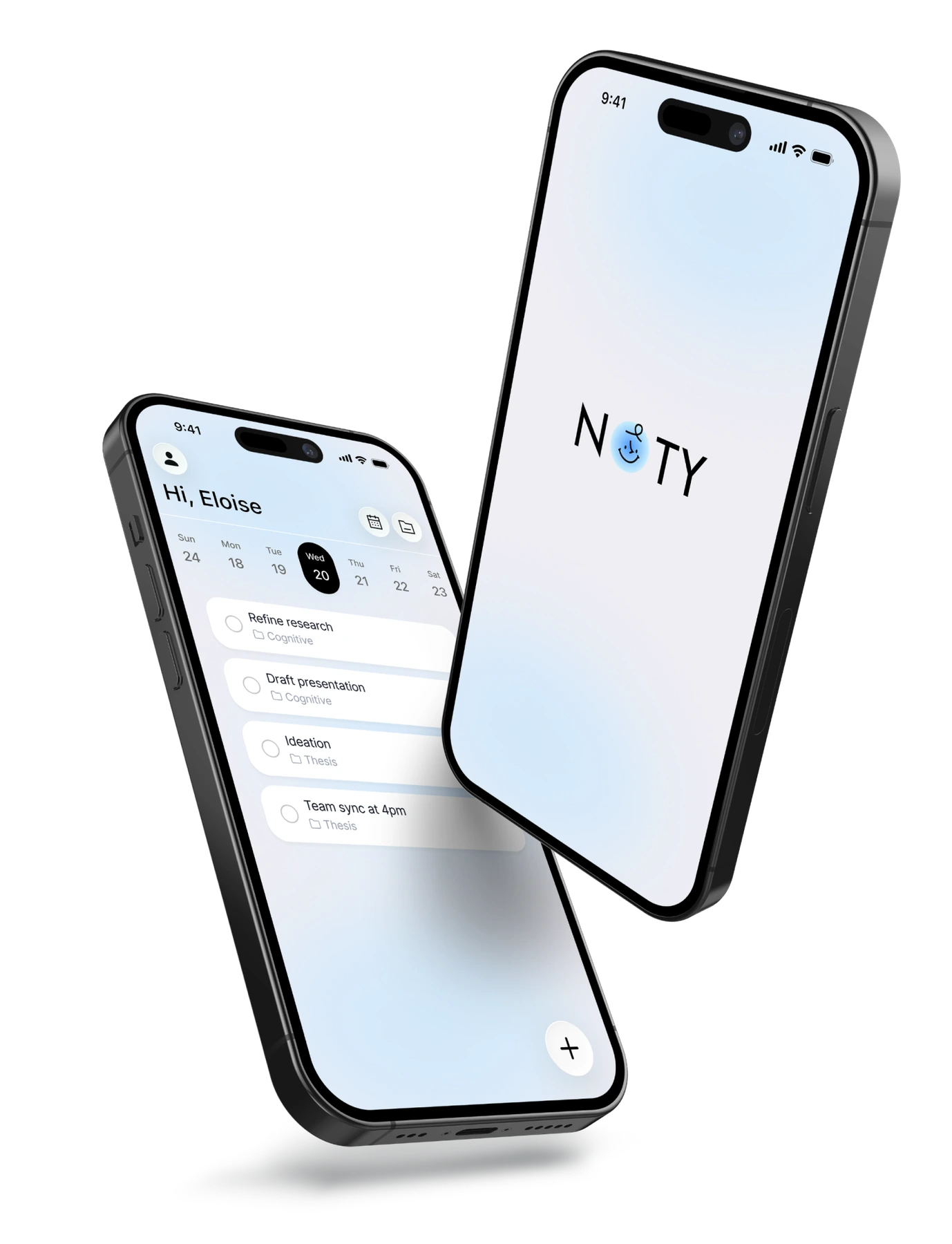
The starting point
Planning should not become another task.
Students in our research used paper, digital tools, or both. Paper made progress tangible. Digital tools offered reminders and easier editing. But maintaining a plan across places could become work of its own.
Our team’s question: could a digital tool preserve the clarity of a short list while supporting the larger project behind it?
My part in the team
I contributed to research synthesis, interaction design, and prototyping, connecting planning needs with task creation, rescheduling, and completion feedback. I also explored prototypes with AI coding tools.
Team: Lujia Xu, Maryam Eyvazi, Xiaoming Zhang. Screens show the interaction design; they do not establish a launched product or live AI integration.
01 / The product decision
Let AI propose. Let the student revise.
Breaking an assignment into smaller tasks can help someone start. A generated list still needs to fit the actual assignment, the student’s progress, and the way they want to work.
In our flow, students describe a project, review suggested subtasks, then edit, remove, or add items before using the plan. The review step makes each suggestion available to question and change.

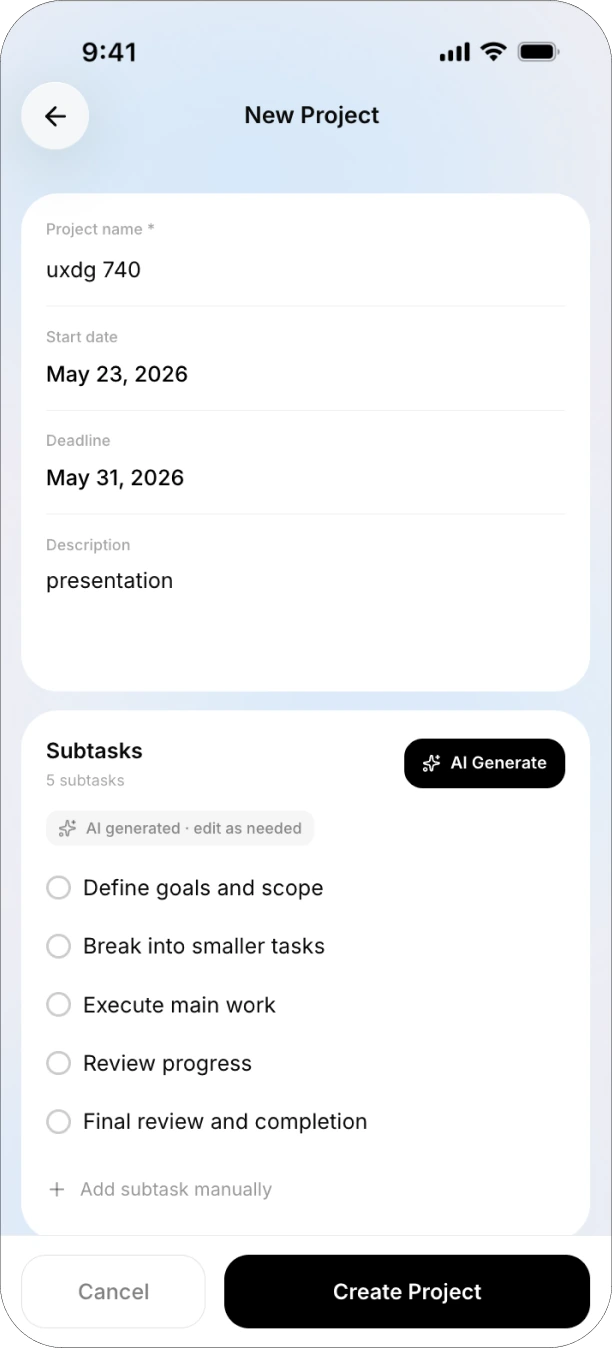
Automation lowers the cost of getting started. Review adds effort, but gives the student a chance to catch a plan that sounds right and is wrong for their work.
02 / Keeping the core loop small
Put changes where the work happens.
The daily list supports immediate action. Projects and the calendar preserve longer timelines. Completed tasks stay visible, carrying the satisfaction of crossing something off into the interface.
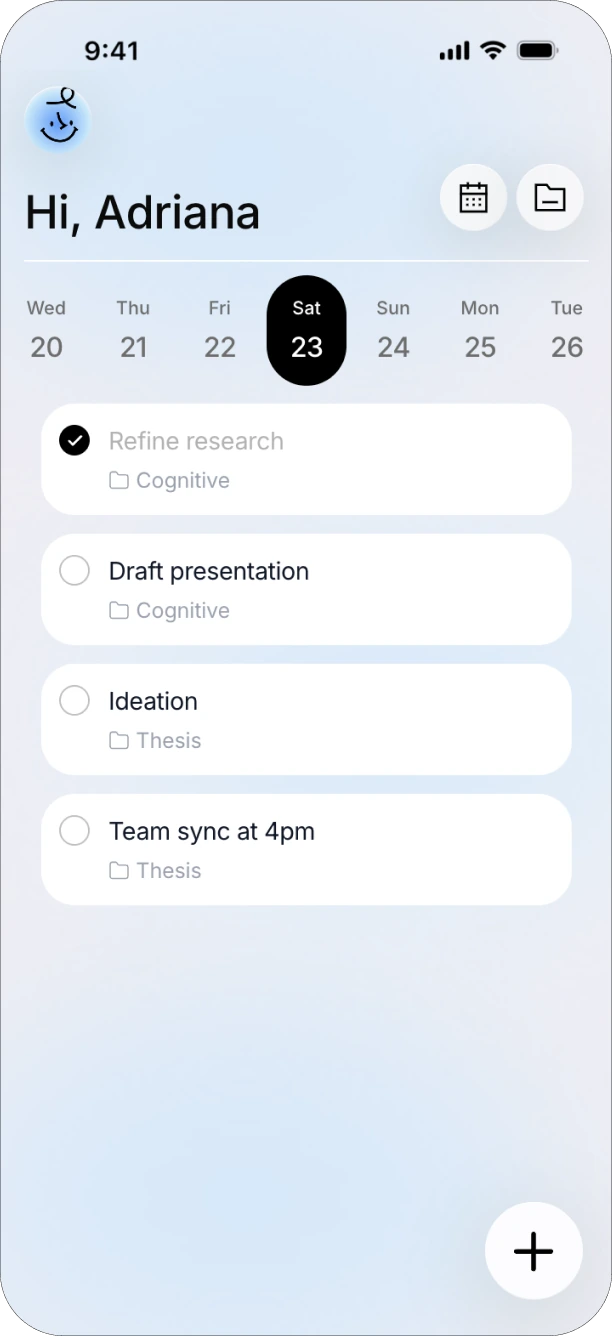

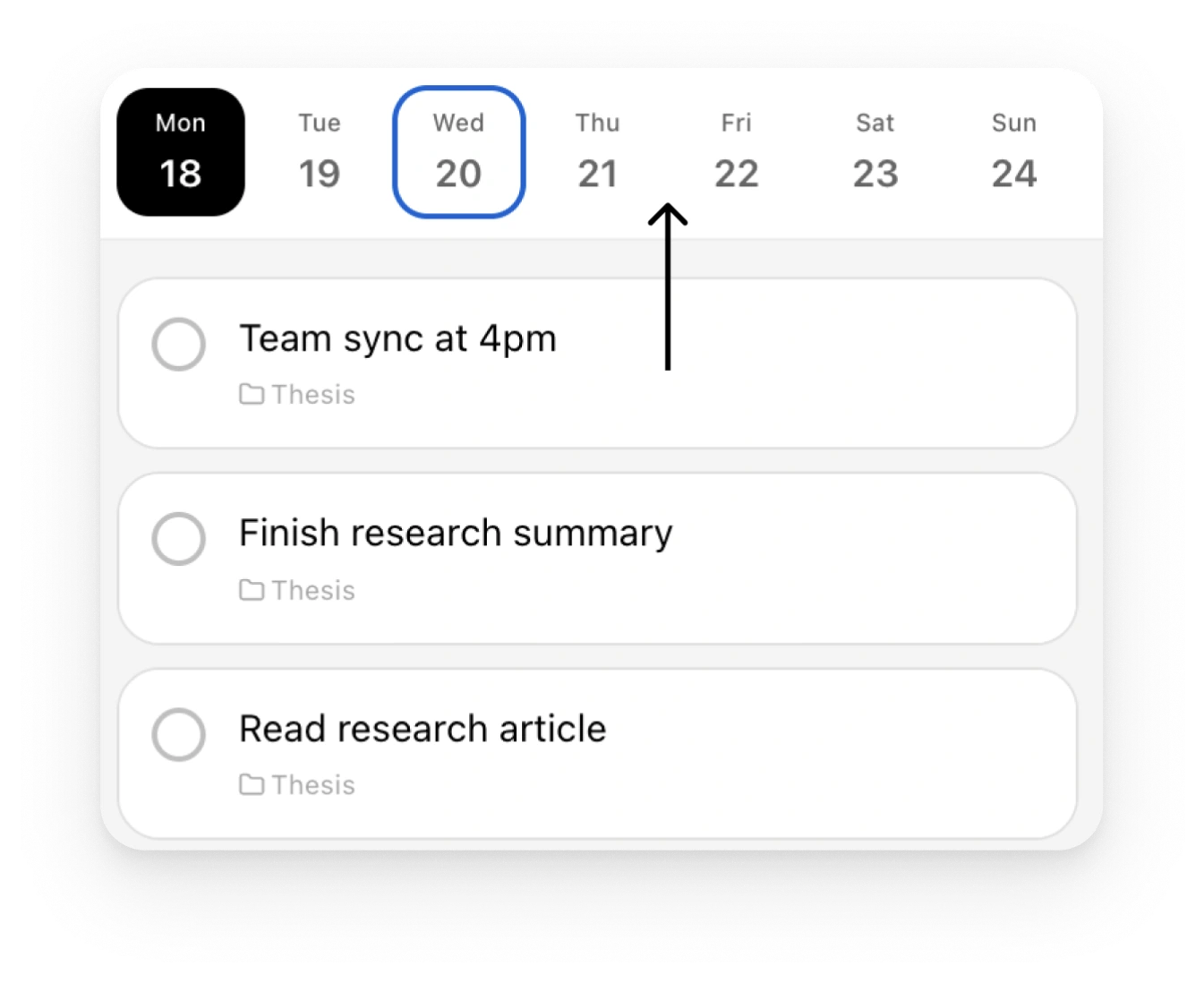
Testing feedback identified friction in finding projects, seeing them in the calendar, and changing dates from the list. The next designs added recognizable project icons, calendar timelines, and direct drag-to-reschedule.
03 / The cross-device trade-off
Always nearby can also mean always on your mind.
The desktop concept keeps a compact entry point near the work and expands into task controls. This could reduce the effort of reopening a planning tool; it could also make unfinished work harder to ignore.
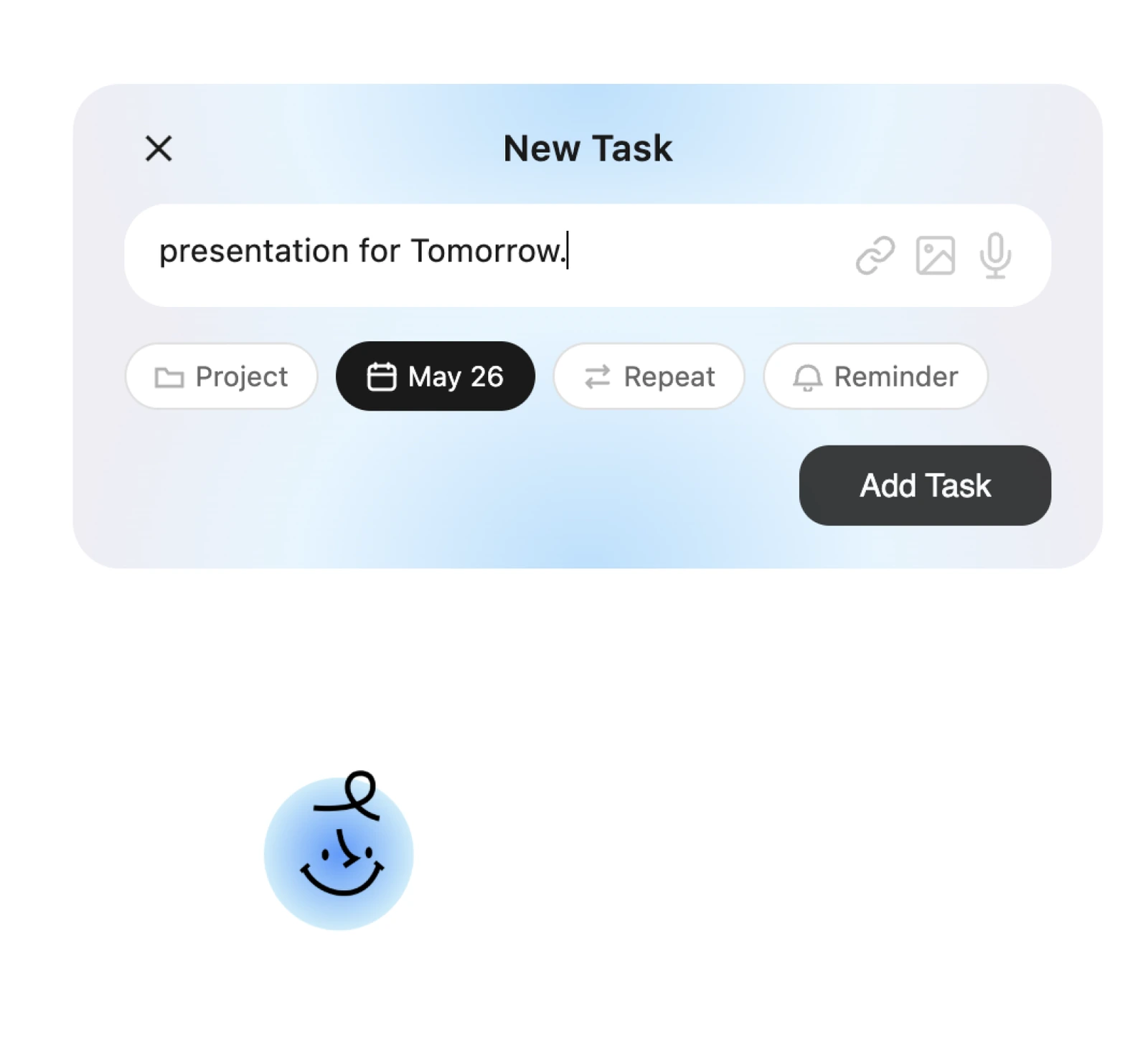
The useful test is whether this presence helps a student resume an intended task without adding pressure or distraction. Visibility alone is not evidence of better focus.
Outcome + retrospective
The next test is the cost of correction.
Looking back, I would evaluate one complete task: create a project, correct a poor AI suggestion, reschedule a task, and recover from an accidental change. That would show whether automation saves effort after checking and correction are included.
Voice input, image capture, and desktop presence add possibilities. A smaller core flow with clear failure and recovery behavior would provide stronger evidence than a longer feature list.